
Why Software Maintenance Is Critical After Launch
Software does not end after launch. Regular maintenance helps businesses fix bugs, improve performance, add new features, update integrations, strengthen security, and keep websites, apps, dashboards, APIs, and business systems running reliably.
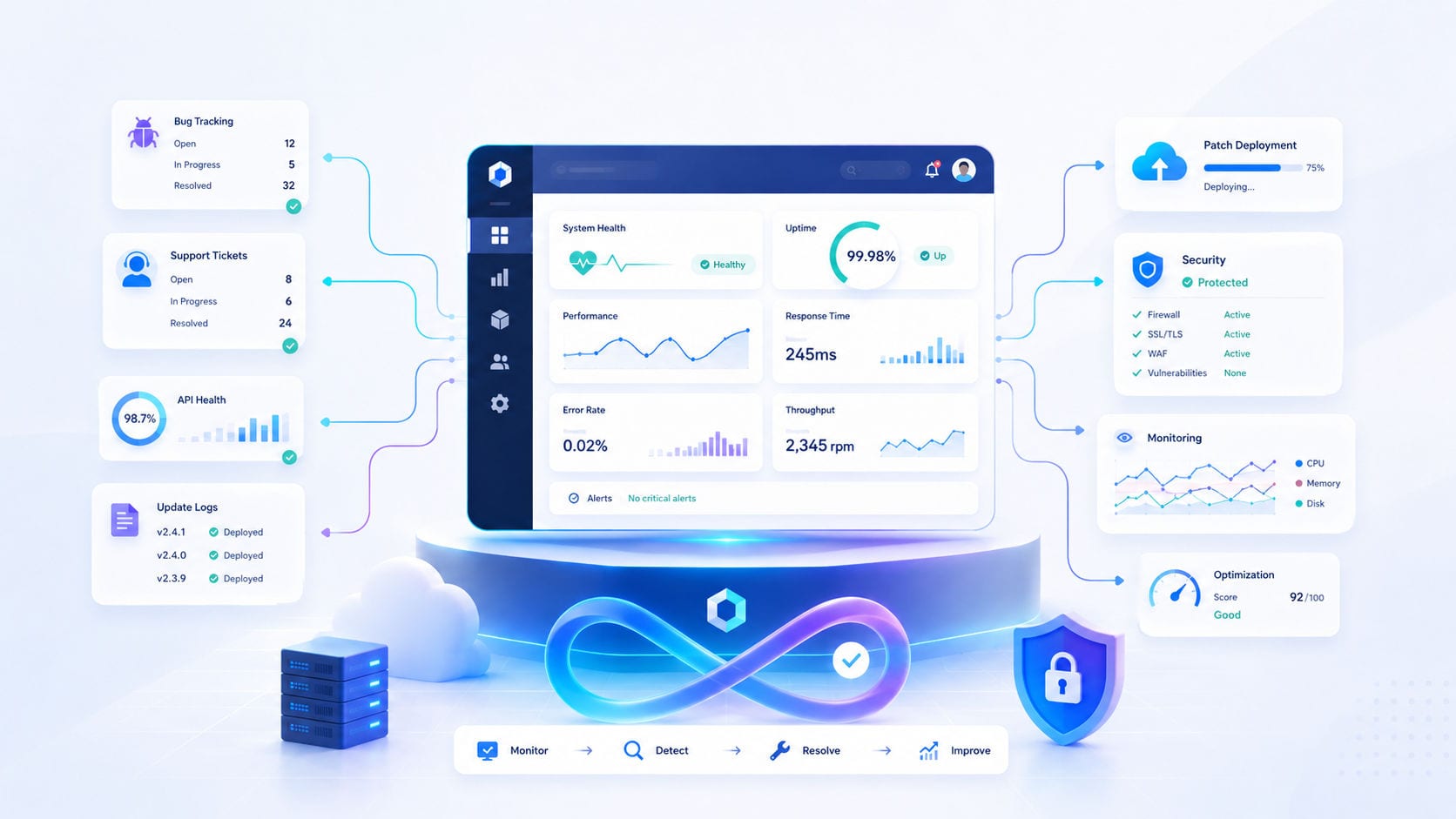
Launching a digital product is a major milestone—but it is not the finish line. To keep websites, web applications, dashboards, APIs, and business systems running reliably, continuous post-launch upkeep is a business necessity.
Many business leaders make the mistake of viewing software development as a one-time project. In reality, once a system goes live, it enters a dynamic lifecycle. Active users, changing browser standards, third-party API updates, and growing data footprints all put pressure on the code.
Without structured maintenance, even the most beautifully engineered platform will slowly degrade in performance, security, and stability.
1. Proactive Bug Fixing & User Flow Optimization
Even the most rigorous pre-launch testing cannot simulate every real-world user scenario. Once your system is live, real users will interact with it in unexpected ways, exposing edge-case errors.
Broken User Flows: Validation errors, checkout bottlenecks, or form submission failures.
Authentication Failures: Session timeouts, password reset bugs, or role-permission mismatches.
Display Anomalies: Layout breakages on new mobile devices, operating systems, or browser updates.
Consistently fixing these bugs is essential to maintaining customer trust and ensuring daily business operations are never disrupted.
2. Infrastructure & Database Performance Upkeep
Over time, as your business grows, your digital platform compiles more data and handles more traffic. Without regular optimization, this growth causes database queries to slow down, affecting the user experience.
Regular performance maintenance includes:
Query Optimization: Tuning database indexes to handle larger datasets instantly.
Caching Strategy: Setting up server-side caches to reduce server load and page response times.
Asset Audits: Compressing media files and cleaning unused code bundles.
If you are experiencing system slowdowns, explore our Custom Software Maintenance & Support services.
3. Critical Security Patching & Dependency Updates
Custom business systems often manage highly sensitive data, including customer profiles, financial transactions, internal reports, and booking records. This makes them active targets for security threats.
Modern applications rely on open-source libraries and packages (dependencies). Security vulnerabilities are discovered in these packages daily.
Dependency Upgrades: Regularly updating libraries to patch known vulnerabilities.
Access Audits: Securing administrative controls, token expirations, and API keys.
Encrypted Backups: Maintaining structured backup routines to prevent data loss.
4. Preventing API and Integration Breakages
Modern software rarely lives in isolation. Your platform likely connects to third-party tools via APIs (e.g., payment gateways like Stripe, travel inventory providers, CRMs, or ERPs).
Third-party providers frequently update their APIs, deprecate older versions, or change their data structures.
Deprecation Upgrades: Modifying your codebase to match new API endpoints before the old ones are turned off.
Data Flow Verification: Ensuring automated integrations keep transferring data seamlessly without manual intervention.
5. Evolving the System with Feature Enhancements
Your software should scale alongside your business objectives. After launch, operational feedback will highlight new opportunities to automate tasks or improve reporting.
A structured maintenance framework allows you to introduce iterative enhancements:
Custom Reporting: Adding new charts and KPI filters to your executive dashboards.
Workflow Automation: Automating manual review processes or email notifications.
Integration Extensions: Connecting new tools (like an accounting module) to your core database.
Securing Your Software Investment
In the long term, software maintenance is not an expense—it is an investment protection strategy. It ensures that the capital you spent building your custom system continues to deliver operational efficiency, scale with your growth, and protect your brand reputation.
For growing enterprises, keeping software healthy is a foundational pillar of modern digital operations.
Need a reliable technical partner to manage and scale your platform? Let's discuss a tailored support plan through our Guided Discovery Intake or contact the engineering team directly at Motive Solutions Contact.