
AI Business Automation: How Companies Can Reduce Repetitive Work
AI business automation helps companies reduce manual tasks, improve customer response time, automate lead handling, generate reports, send reminders, and connect daily workflows across sales, support, operations, and management.
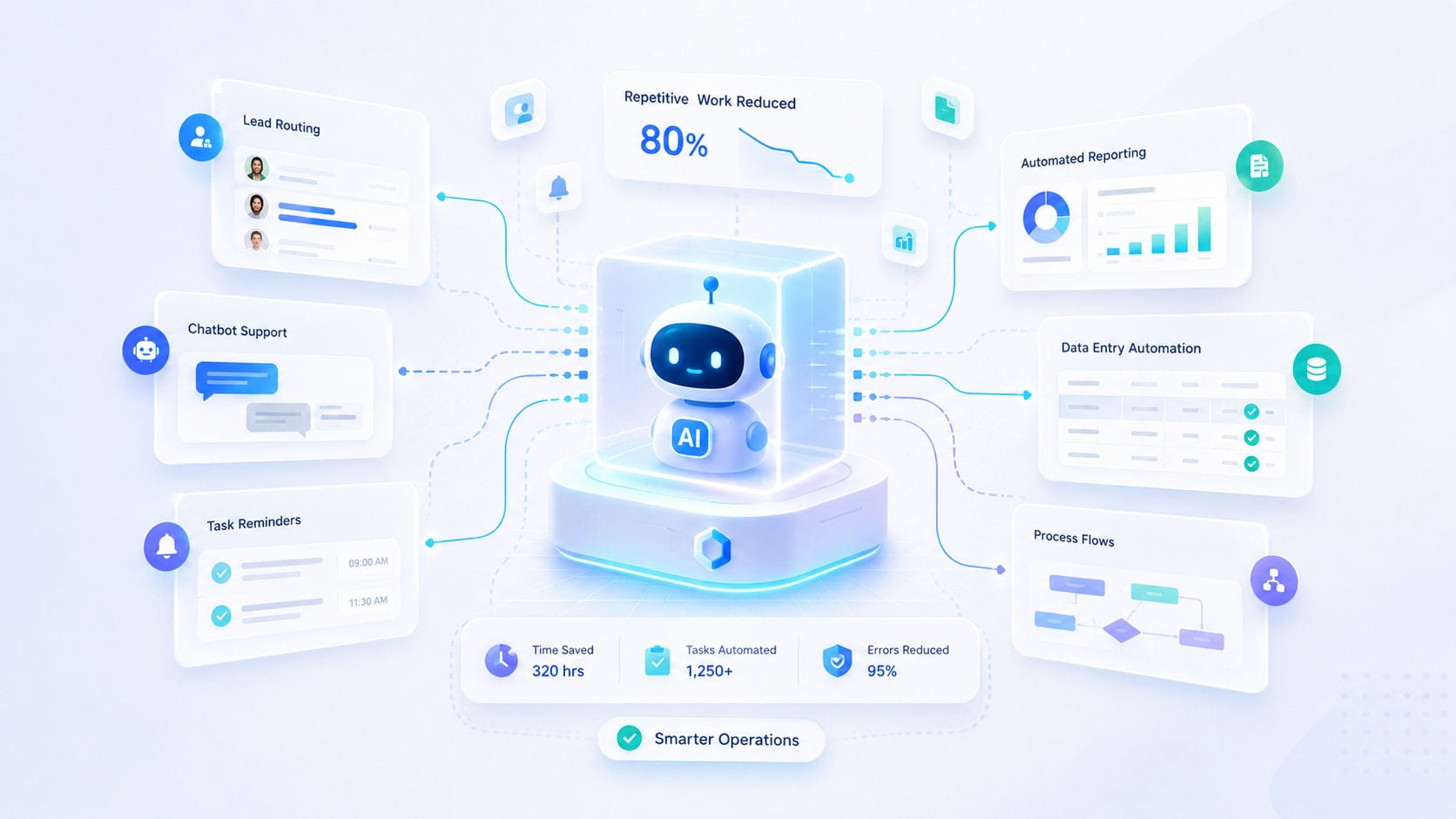
Every growing organization faces the burden of repetitive operations. Teams spend valuable hours copying data between systems, preparing weekly reports, sending manual reminders, and following up on client leads. While manageable initially, this administrative load eventually slows down execution speed, increases human error, and limits business growth.
AI and workflow automation systems solve this problem by executing routine, repetitive tasks automatically.
By designing intelligent systems around your real-world processes, you can accelerate response times, reduce overhead, and free up your team to focus on high-value business strategy.
1. Enhancing Client Support with Intelligent Assistants
Providing instant customer service around the clock can overwhelm internal teams. AI-driven support structures solve this by filtering and managing standard requests automatically.
Contextual Response: Deploying AI search bots that parse documentation to answer common customer queries instantly.
Smart Ticket Routing: Gathering initial customer details, diagnosing the issue, and routing the ticket to the correct department.
Human-in-the-Loop Hand-off: Smoothly escalating complex issues to human agents when specialized assistance is needed.
Learn more about how we build AI And Automation Systems.
2. Speeding Up Sales: Automated Lead Processing
A delayed response to a sales inquiry is often a lost opportunity. Automation ensures that your sales pipeline acts instantly on every lead.
Omnichannel Lead Capture: Aggregating inquiries from ads, web forms, and messaging channels into one central CRM database.
Smart Lead Scoring: Evaluating leads based on business size, budget, and intent, and prioritizing them for your sales reps.
Immediate Outreach: Sending customized initial follow-ups within minutes of form submission.
3. Eliminating Manual Labor: Automated Reporting & BI
Compiling reports from multiple spreadsheets is slow and prone to errors. Automated data pipelines turn scattered operational metrics into clean, scheduled reports.
Scheduled Digests: Delivering weekly financial, operational, or marketing metrics directly to executive inboxes.
Real-Time KPI Dashboards: Providing owners and managers with live updates on team performance and pipeline status.
Automated Data Syncing: Syncing invoicing software with CRM dashboards to track revenue metrics automatically.
4. Keeping Workflows Moving: Smart Alerts & Notifications
Projects often stall because approvals sit in queues, or invoices are forgotten. Automated alerts keep your operations moving.
Pending Approvals: Automatically nudging team members when a project state is waiting for their review.
Payment Reminders: Sending automated notices to clients as their invoice due date approaches.
System Health Alerts: Monitoring database capacities and API health to alert developers before a crash occurs.
5. Integrating Disconnected Core Systems
True automation requires your digital tools to work as a unified ecosystem. When a trigger event occurs in one system, other systems should respond instantly:
Connecting these steps ensures a seamless transaction cycle without requiring manual coordination from your team.
Designing a Structured Automation Strategy
Successful automation is not about installing random software bots; it is about analyzing your current workflows, identifying bottlenecks, and engineering custom integration paths.
By replacing manual handoffs with secure API integrations and structured data flows, you build a faster, leaner, and more scalable business operation.
Ready to reduce manual busywork and implement intelligent workflows? Let’s design your automation system through our Guided Discovery Intake or contact our systems team directly at Motive Solutions Contact.